Community
Join the Conversation
Scan the QR code with WeChat to join the MRRC-HAM group.
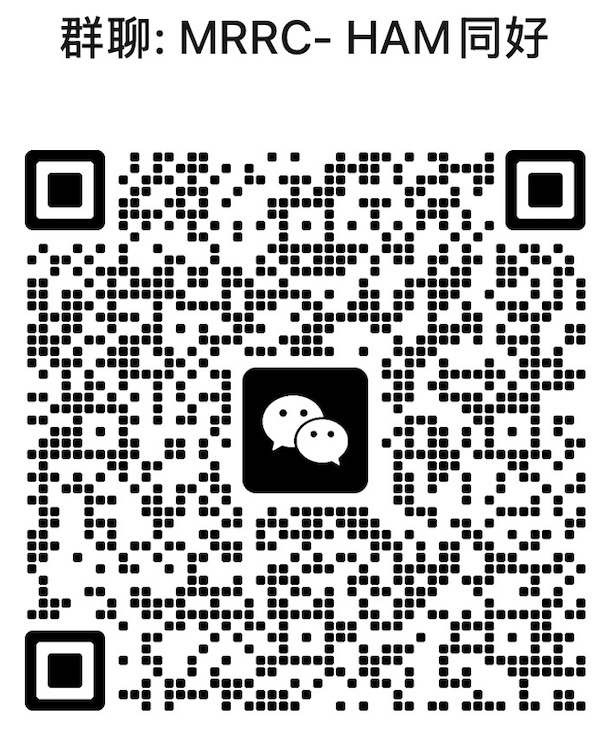
QR code valid until Aug 29, 2026. Will be updated when refreshed.
Native iOS SwiftUI app for remote control of the SunSDR2 DX transceiver. Real-time spectrum waterfall, low-latency audio, DSP noise reduction, one-touch PTT — a complete replacement for the web frontend.
Scan the QR code with WeChat to join the MRRC-HAM group.
QR code valid until Aug 29, 2026. Will be updated when refreshed.
From spectrum waterfall to DSP noise reduction, channel presets to PTT — every feature is thoughtfully designed and optimized for iPhone touch interaction.
512-bin FFT real-time spectrum with web-matching colour ramp. Adaptive noise floor with configurable gain/bias contrast stretching.
RX: Int16 PCM 48kHz playback via AVAudioPlayerNode. TX: Microphone capture → downsample (48k→16k) → Int16 PCM → WebSocket.
Large 56pt monospaced frequency display, step tuning, 12 amateur band presets, six modes: USB/LSB/CW/AM/FM/WFM.
Complete WDSP digital signal processing control: NR2 noise reduction, NB noise blanker, ANF automatic notch filter, AGC automatic gain control.
3×3 grid of frequency presets, always visible. Tap any cell to instantly tune frequency + mode. Empty slots show placeholder, ready for quick-save.
Server host configuration, IQ sample rate selector (39k/78k/156k/312k), Keychain auto-login, connection status diagnostics.
4 WebSocket connections, zero external dependencies, built entirely on Apple frameworks.
Every pixel carefully laid out — the optimal balance of information density and ease of operation.
Spectrum waterfall + S-meter + audio level + gain sliders + mode selection + favorites grid + PTT
WDSP master toggle, NR2 noise reduction (with level meter and intensity slider), NB/ANF/NF toggles, AGC mode selection, manual notch management
Quick-save, favorites management (swipe-delete), server config + reconnect, connection status diagnostics, IQ sample rate selector
All heavy computation runs on background threads, ensuring smooth 60fps scrolling.
Clone, generate the Xcode project, build, connect — just four steps.
Get the latest code from GitHub
git clone https://github.com/cheenle/SunsdrMobile.git
Use XcodeGen to generate .xcodeproj from project.yml
cd SunsdrMobile && xcodegen generate
Open the project in Xcode, select your iPhone, and press Cmd+R
open SunsdrMobile.xcodeproj
Enter your server address and password — auto-login via Keychain establishes all 4 WebSocket connections
radio.vlsc.net:8889 → Keychain
The simulator lacks full AVAudioEngine microphone support — a physical iPhone device is required
What this project loads before editing, what a human still signs off, and what stays readable afterwards.
CLAUDE.md is loaded before editing. This project has no machine-readable constraint registry, so the Agent works to the written contract only and no automated gate is claimed.